
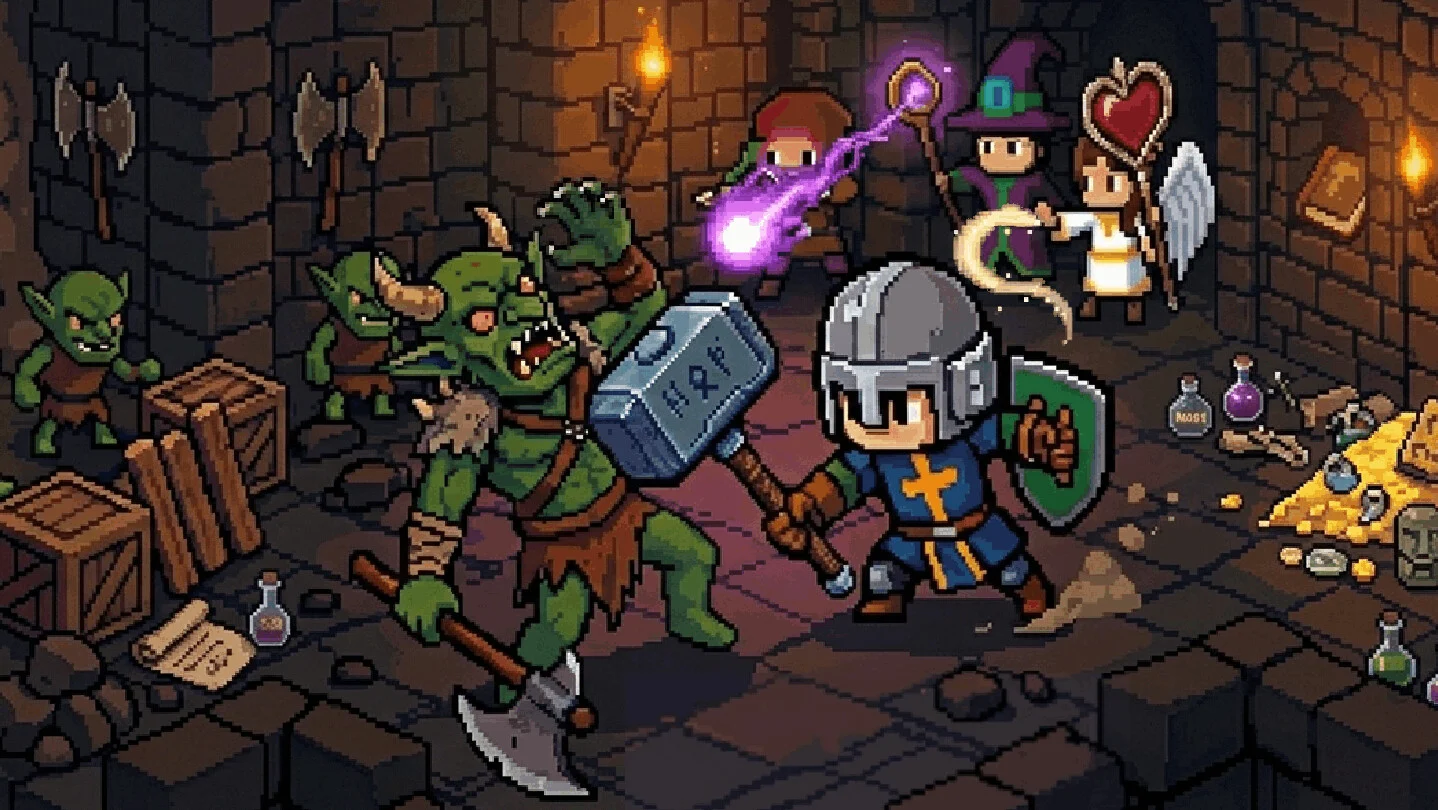
Independent Fan-Made Guide Wiki
Loop Dungeon - Incremental
Incremental Wiki — Heroes & Prestige
Build a party of heroes and battle through looping pixel-art dungeons. Collect loot, develop your skill tree, and combine character abilities to defeat tougher bosses. Prestige for lasting bonuses and push further with every run.
I 100%'d Loop Dungeon Incremental — community gameplayYouTube
Start Here
Your Loop Dungeon - Incremental Journey
Beginner Guide
Learn how dungeon runs work, assist automatic battles with clicks, gather resources and make your first useful upgrades.
Heroes & Team Roles
Understand frontline, damage and support roles, hero unlocks and skill combinations, including Rogue and Priest synergies.
Skill Tree & Upgrades
Learn when to spend Gold, Magic Dust and other resources on damage, survivability and income instead of getting stuck at progression walls.
Prestige & Boss Prep
Learn when prestige becomes available, how resets affect progression, and how to prepare your party for Dragon and later bosses.
Latest Updates
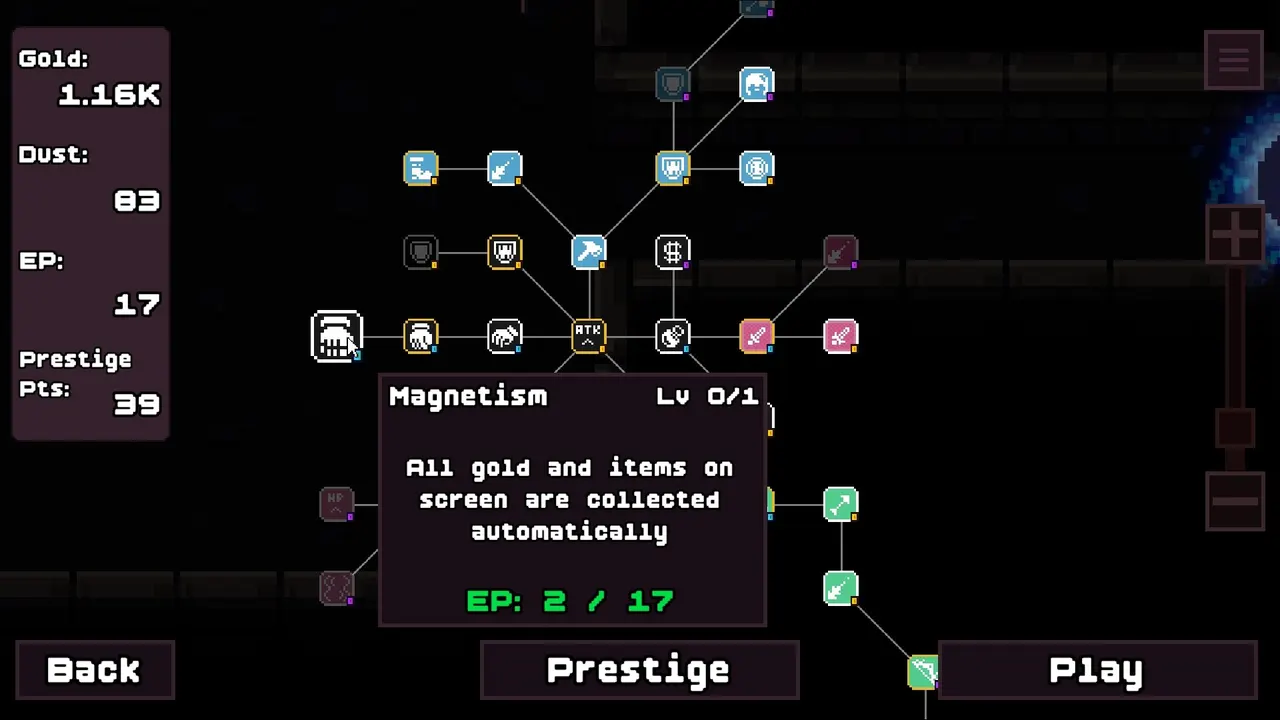
Guide · 2026-10-20
Loop Dungeon Incremental Builds: Spending Order, Parties, and Prestige
Guide · 2026-10-20
Loop Dungeon Incremental Crash Wont Load: Official Fixes and Save Transfer
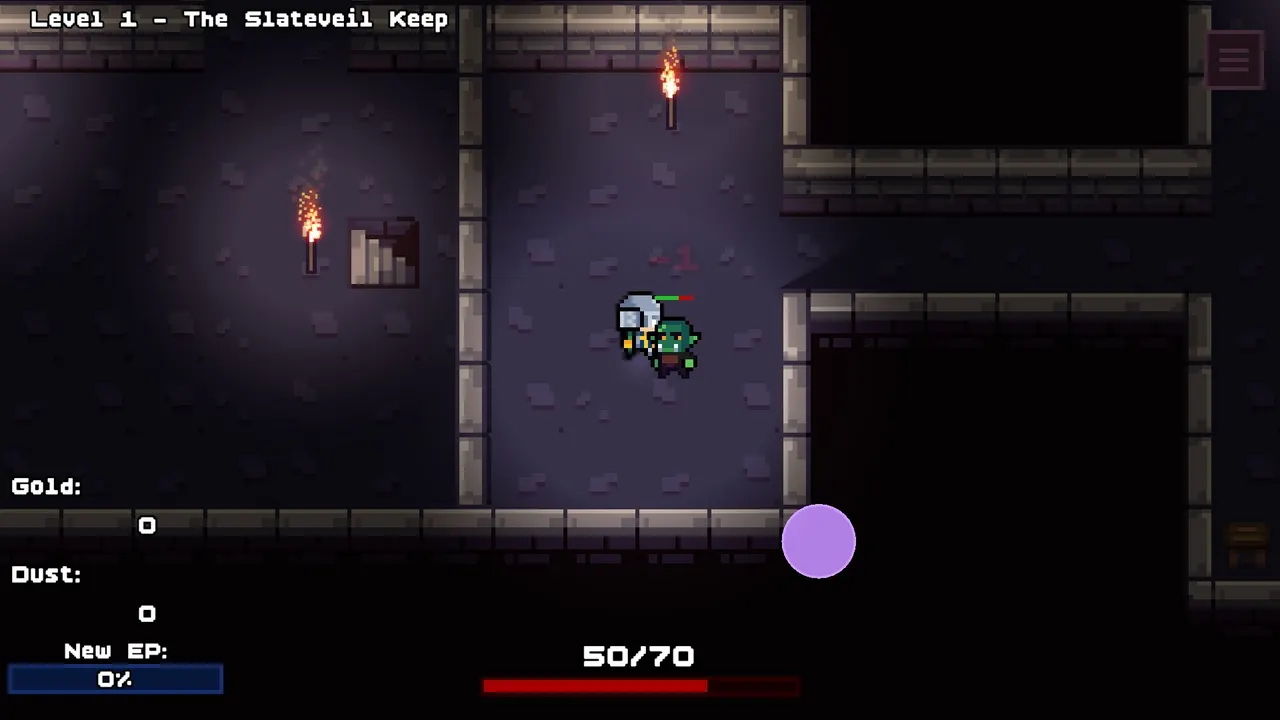
Guide · 2026-10-20
Loop Dungeon Incremental Gameplay Guide: What One Run Looks Like
Guide · 2026-10-20
Loop Dungeon Incremental Guide: Loops, Heroes, Builds, and Prestige Basics
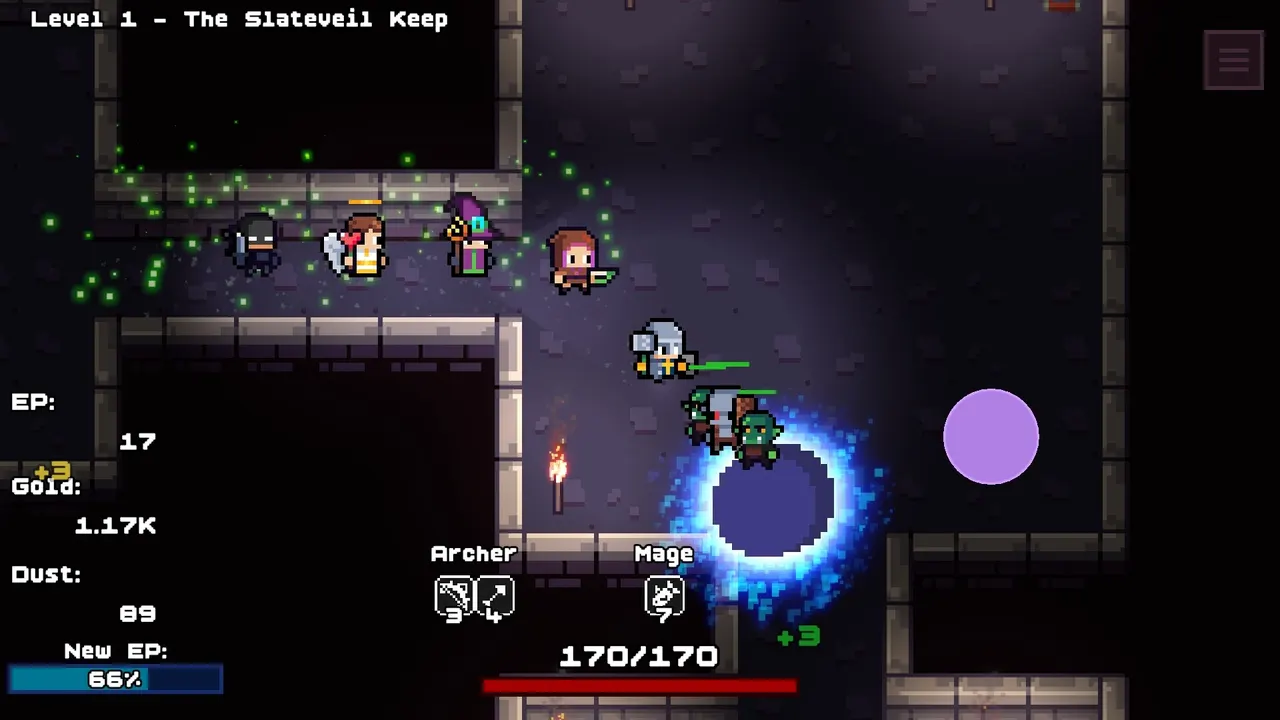
Heroes · 2026-10-20
Loop Dungeon Incremental Archer Guide: Triple Arrow, Piercing Arrow, Speed
Heroes · 2026-10-20
Loop Dungeon Incremental Archmage: What the Mage Upgrade Labels Show
Heroes · 2026-10-20
Loop Dungeon Incremental Heroes: Confirmed Roster, Roles, and Name Questions
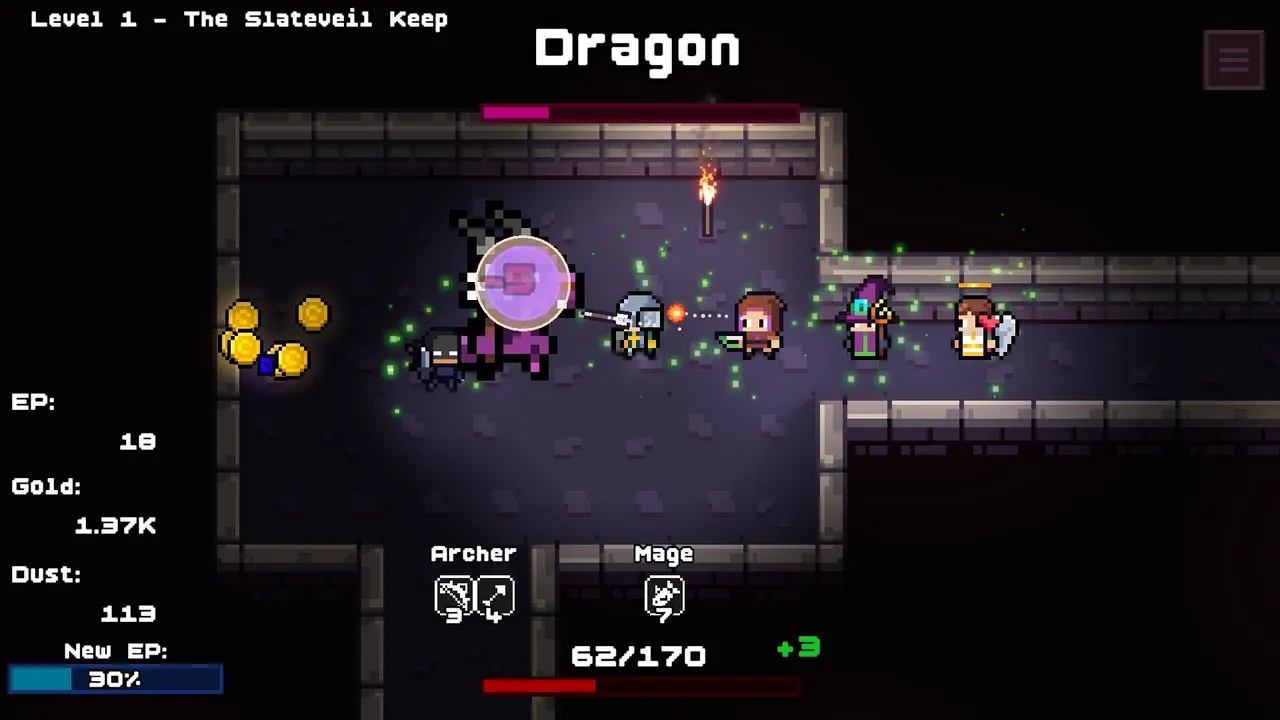
Heroes · 2026-10-20
Loop Dungeon Incremental Mage Guide: Meteor Timing and Burst Windows
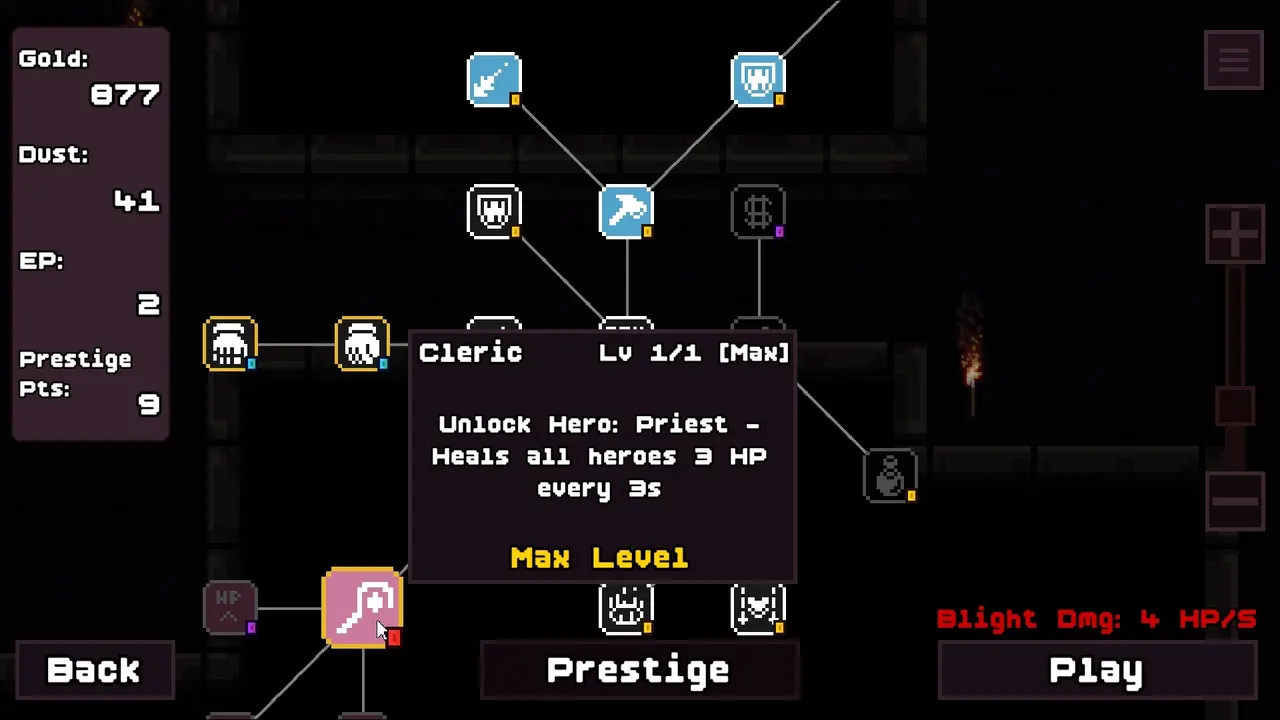
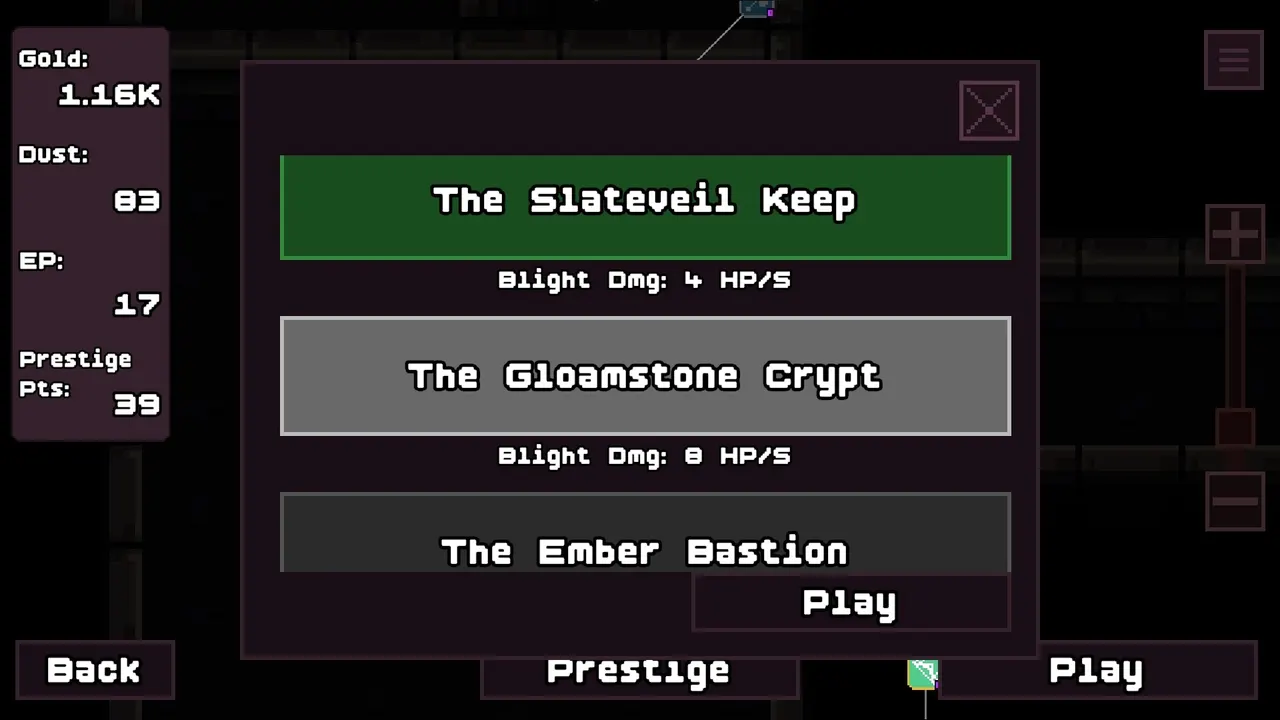
Loop Dungeon - Incremental Screenshots
Popular Pages
Trending Now
Priest Guide
The Loop Dungeon Incremental Priest keeps the party alive and fires other heroes' skills with Activate. Healing numbers and aura timing inside.
Ranger Name Mystery
Is the Loop Dungeon Incremental Ranger a real hero? Where the name appears in gameplay captions, why it sits beside the Archer unlock, what to check.
Rogue Guide
The Loop Dungeon Incremental Rogue is the full-release damage hero: Blink Attack officially, with Flash Strike and crit and clone setups in footage.
Warrior Guide
The Loop Dungeon Incremental Warrior anchors every run: front-line usage, attack and defense nodes, attack speed, and the Battle Cry boss buff.
Attack Speed
Loop Dungeon Incremental attack speed nodes sit on separate Warrior and Archer branches. Why presenters buy them early and what pairs well.
Aura Guide
How the Loop Dungeon Incremental aura effect works: the Priest branch's Invincibility Aura, its demo and beta window, and how players use it on bosses.
What is Loop Dungeon - Incremental?
Loop Dungeon - Incremental is a single-player, pixel-art incremental dungeon RPG developed and published by Playsect. Heroes fight automatically across repeated dungeon expeditions while players collect loot and improve the party between runs.
Team composition, skill-tree investment and prestige bonuses shape long-term progression. The full Steam release adds the Rogue hero, the Priest Activate skill, additional bosses and deeper dungeon content.
Explore All GuidesLoop Dungeon Incremental Guides By Topic
Jump straight to the eight most-searched Loop Dungeon Incremental topics, from your first run to prestige loops and launch-week fixes.
Loop Dungeon Incremental Beginner Guide
Learn how to start your first dungeon run, recruit heroes, and understand automatic combat with manual clicking. Follow the core gameplay loop of collecting loot, purchasing upgrades, and gradually reaching deeper dungeon floors.
Loop Dungeon Incremental Prestige Guide
Understand how Prestige resets work and why permanent upgrades are essential for long-term dungeon progression. Learn the difference between improvements made during individual runs and bonuses that continue helping your party after a reset.
Loop Dungeon Incremental Heroes and Classes
Explore the playable hero roles and their combat abilities, including the Rogue and Priest featured in the full-release announcements. Understand how different heroes contribute to party composition and how their skills can interact with one another.
Loop Dungeon Incremental Team Builds
Explore party-building strategies based on officially confirmed hero mechanics and skill interactions. Examine the Rogue's offensive role, the Priest's Activate ability, and the importance of combining heroes with complementary strengths.
Loop Dungeon Incremental Skill Tree Guide
Learn how the game's extensive skill trees support hero progression and long-term upgrades. Explore upgrade costs, unlockable mechanics, and officially confirmed skills such as automatic reward pickup.
Loop Dungeon Incremental Farming and Idle Guide
Learn how repeated dungeon runs generate loot and resources for character upgrades. Understand automatic battles, manual damage assistance, background progression, and the automatic reward pickup feature introduced during the demo updates.
Loop Dungeon Incremental Demo Save Transfer
Find out how to transfer progress from the free demo to the full Steam release. The developer confirmed different migration rules for saves created before version 0.9.0 and those created in version 0.9.0 or later.
Loop Dungeon Incremental Startup Crash Fix
Troubleshoot the Failed to load il2cpp startup error reported by Windows 11 players after the full game's release. Review the developer's explanation of Windows Smart App Control compatibility issues, published workarounds, and the planned code-signing fix.
Frequently Asked Questions
Quick answers to the most common questions about Loop Dungeon - Incremental.
Ready to Master Loop Dungeon - Incremental?
From your first dungeon loop to stronger hero combinations and prestige resets, find practical guides that help you progress through every stage of your adventure.